
Drop raw footage in a folder, get a finished edit
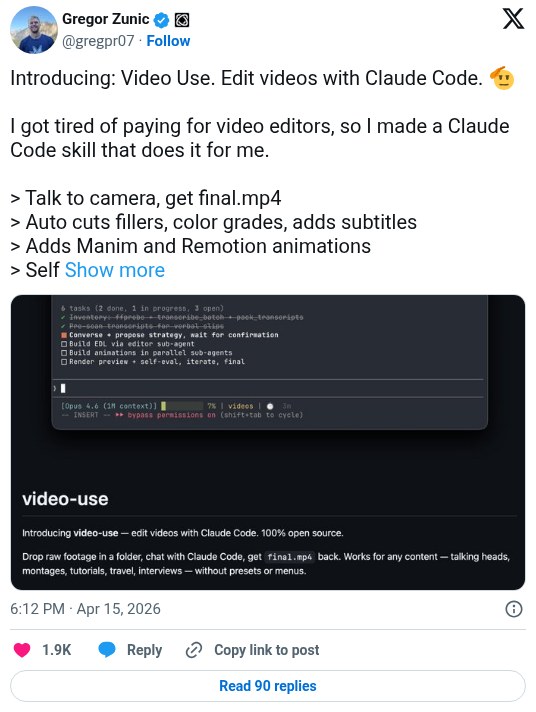
Browser Use released video-use, an open-source Claude Code skill that edits talking-head footage. You talk to camera and get a final.mp4 back with filler words cut, color graded, subtitles burned in, and animations added. Later posts describe people using it, but there are no independent time-saved numbers.
Workflow
1. Install Claude Code, or Codex, Hermes or OpenClaw. 2. Paste the setup prompt from the repo README into the agent. It clones the repo, installs ffmpeg, registers the skill, and asks for your ElevenLabs API key, which it uses for transcription. 3. cd into a folder of raw takes and run claude. 4. Ask for the edit in plain words. 5. It cuts filler words and dead space, adds 30ms audio fades, grades color, and burns in subtitles (2-word uppercase chunks by default). 6. Animation overlays come from HyperFrames, Remotion, Manim, or PIL, built by parallel sub-agents. 7. It checks every cut in the render before showing you, and keeps notes in project.md so the next session picks up where you left off.
Tools
Claude Code or Codex, video-use (free, open-source skill), ffmpeg, ElevenLabs API key (used for transcription), HyperFrames, Remotion, Manim or PIL (animation overlays)