
Run podcast clips, posts and newsletter with AI agents
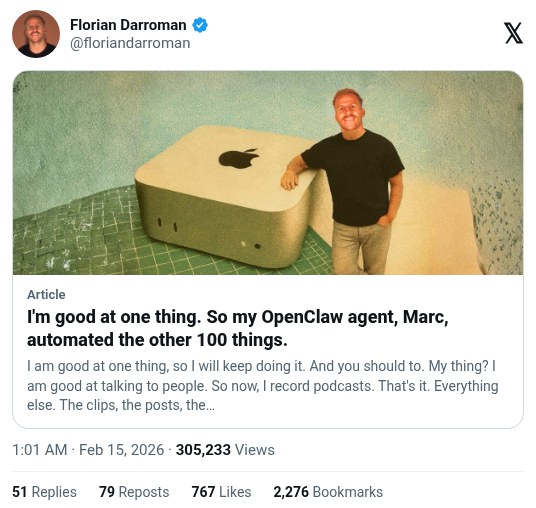
Florian Darroman says 11 OpenClaw agents now cut his podcast clips, write and schedule X posts, draft the newsletter, and research guests and sponsors overnight. He says weekly admin dropped from about 20 hours to about 30 minutes. He still has one human video editor, and the figures are his own.
Workflow
1. Install OpenClaw on an always-on machine. Darroman uses a Mac Mini. 2. Create a lead agent that sends you a daily brief on Telegram, plus role agents for clips, posts, newsletter, research and ops. 3. At 2:00 AM, an agent reads new transcripts, picks the 3 best moments, and writes X posts. Every fact is checked against the transcript. 4. At 3:20 AM, a video agent cuts those clips from YouTube, removes filler and silence, and burns in subtitles. 5. At 1:30 AM one agent drafts the newsletter and at 2:30 AM another reviews it. At 5:00 AM a scheduler posts the clips natively on X through Typefully, and at 5:30 AM a QA check verifies handles and links. 6. Track each item's status in Notion (Draft, Validated, Scheduled) so agents do not duplicate work. Turn every failure into a rule, such as checking the codec is h264 and never starting a post with @. 7. At 7:00 AM, read the Telegram brief, approve the newsletter, and send it.
Tools
OpenClaw (runs the agents on an always-on machine), Telegram (daily brief), Typefully (schedules posts on X), Notion (tracks each item's status), YouTube, Claude