
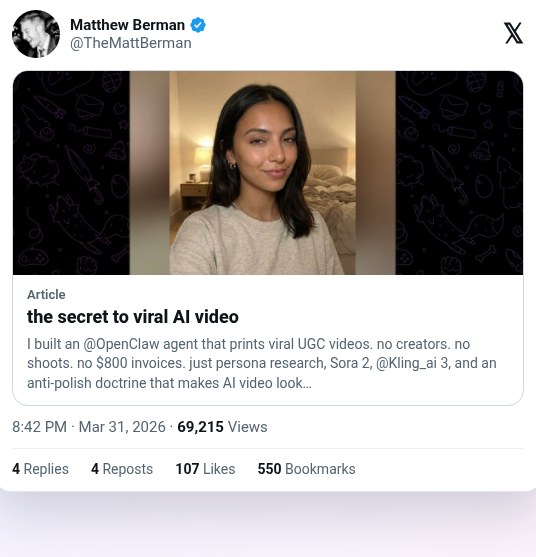
Make UGC-style videos that look shot on a phone
Matt Berman open-sourced ScrollClaw, an agent skill suite that makes AI UGC videos meant to look like a real person filmed them on a phone. The repo says each video costs $5 to $50 in API costs, versus $500 to $5,000 for human UGC. He claims an AI video beat an $800 human one but shows no campaign data.
Workflow
1. Clone github.com/TheMattBerman/scrollclaw into your agent, OpenClaw or Claude Code. Install Python 3 with PIL and ffmpeg with libfreetype. 2. Run /brand-setup with your brand name and URL. It writes voice, positioning and audience files to workspace/brand/. 3. Persona research mines Amazon, TrustPilot and Reddit reviews for exact customer phrases. Then lock a creator profile with the same face, hair and build in every clip. 4. Pick a format and write the script to visual beats. 5. Generate the first frame with Nano Banana as an iPhone-style photo, and fight AI polish with visible pores, slight asymmetry, named clutter and off-center framing. 6. Animate A-roll with Sora 2 and make B-roll with Kling 3, though the author notes Sora 2 availability may change and Kling is the backup. Stitch the clips and use ElevenLabs speech-to-speech for voice consistency. 7. Add grain and color, then native-style captions last. Only videos that score 70+ in virality scoring get published.
Tools
ScrollClaw skill suite (open source), OpenClaw or Claude Code, Nano Banana (first frames), Sora 2 (A-roll), Kling 3 (B-roll and Sora backup), ElevenLabs (speech-to-speech voice consistency), ffmpeg, Python PIL