
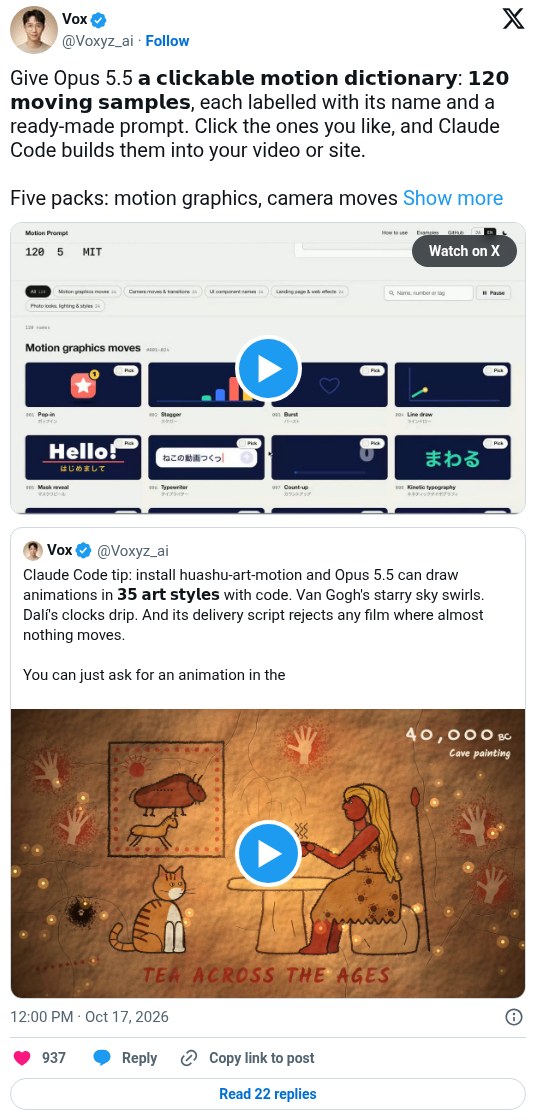
Pick motion effects from a gallery, Claude applies them
Voxyz shares motion-prompt, an open-source skill that gives Claude Code a gallery of 120 labeled motion samples, each with a ready prompt. You tick the ones you like and Claude applies them to your video or site, so you can describe motion without knowing the names. The post shows a demo and no results.
Workflow
1. Paste this install prompt into Claude Code: "Read https://github.com/showheyohtaki/motion-prompt and install the motion-prompt skill in this environment. When it is installed, tell me how to use it in three lines." 2. Say "Open the motion-prompt library". 3. Browse the five packs: motion graphics, camera moves and transitions, UI components, landing page effects, and photo looks and lighting. 4. Tick the samples you like and press Send to AI. Without the skill installed, press Copy picks and paste them in. 5. Back in Claude Code, say what to apply, for example "Edit the opening of this video like this". 6. Claude gets each sample's motion spec and reference code and applies it in Remotion, CSS or Canvas.
Tools
Claude Code (Opus 5.5), motion-prompt skill (a gallery of motion samples with specs and reference code), Remotion or CSS or Canvas (where the motion gets built)