
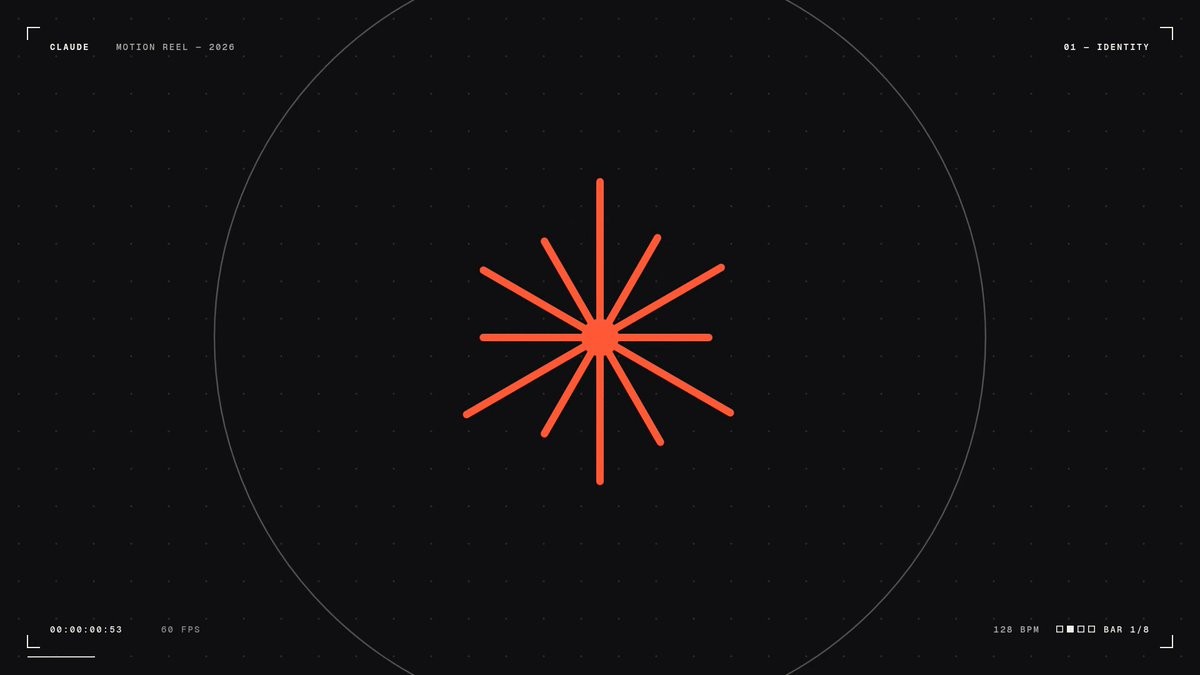
Turn one sentence into a 15-second motion graphics video
Stephan Livera typed one sentence into Claude Opus 5.5 and got back a polished 15-second animated video. He says it took about 40 minutes. Other people ran the exact same prompt and posted similar results.
Workflow
1. Open Claude Opus 5.5 somewhere it can run code on your computer, such as Claude Code. Set effort to Max. 2. Paste the prompt Livera used: "make a dynamic 15-second motion graphics video that shows what an incredible motion designer you are, like it's your showreel for a résumé. go all out." 3. Let it run. Livera's took about 40 minutes. People who reran it say Claude builds the animation as a web page, records it frame by frame, and saves it as an MP4. 4. Watch it and ask for fixes in plain English. One person who reran it said the result needed slower pacing and the music was weak. 5. Want a video about your own product? Give it your logo, colors, and screenshots. Designer Miles says he made a launch video this way using Opus and reference frames from Figma.
Tools
Claude Opus 5.5 on Max effort (writes the animation and renders the video), a setup where Claude can run code on your computer, such as Claude Code