
Make a product promo video without a video editor
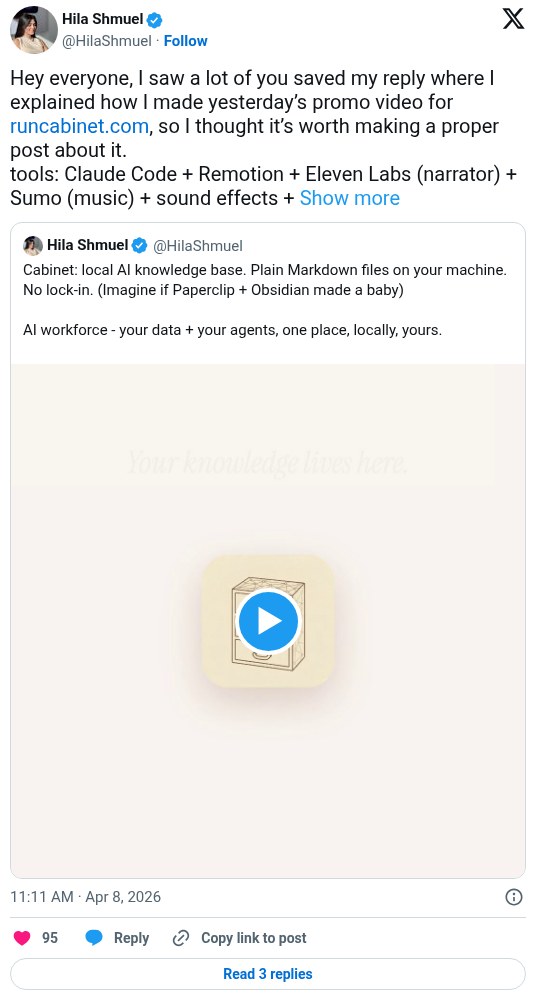
Hila Shmuel made a 30 to 40 second promo for her product, Cabinet, with Claude Code and Remotion. Claude wrote the script, built the scenes, generated narration with ElevenLabs, and added sound effects. She says it took a few hours the first time.
Workflow
1. In Claude Code, paste the Remotion Claude Code docs page (remotion.dev/docs/ai/claude-code) and ask it to install and run the Remotion editor in your browser. 2. Add skills from skills.sh. She added Remotion skills plus copywriting and script-editing skills. Have Claude read your website and code so it understands the product and messaging. 3. Ask for a script as a table: scene, on-screen text, visuals, narration. Iterate on it. 4. Ask Remotion to build the video, then iterate scene by scene. 5. Have Claude narrate with ElevenLabs. Pick a voice and use ElevenLabs delivery tags for tone. 6. Ask Claude for a Suno music prompt, generate the track, and paste the link back. Use the Remotion sound-effects skill to add effects that match each scene. 7. Render the video.
Tools
Claude Code, Remotion (builds the video from code) with the Remotion skills, skills.sh (where she found extra skills), ElevenLabs API (narration), Suno (music), Grok (optional, to summarize her tone)