
Auto-clip your streams and queue them as TikTok drafts
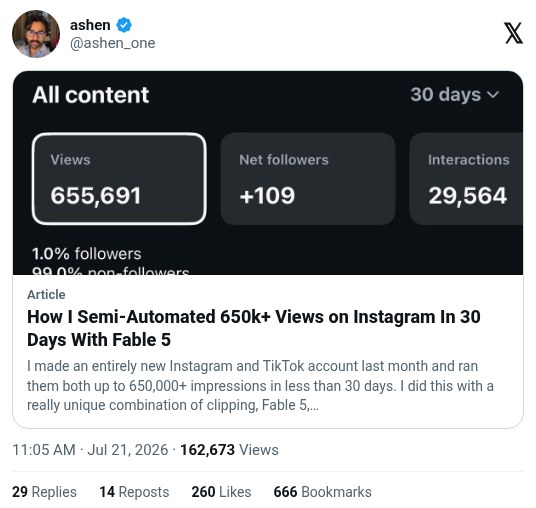
ashen_one says new Instagram and TikTok accounts reached 650,000+ impressions in under 30 days. An agent downloads each Twitch stream, finds the moments, cuts 9:16 clips, and sends them to TikTok drafts for him to post. The numbers are his own, and his article includes a Postiz referral link.
Workflow
1. Stream for 2 to 3 hours. Get the official Twitch API key, or download your YouTube long-form video. 2. Message your agent (Zo Computer over iMessage, or Hermes/OpenClaw) to start. It downloads the stream. 3. A local OpenCV and ffmpeg script, written by the model, scans for on-screen events. For Dark Souls it looks for the "You Died" screen. For Call of Duty it looks for his username in the kill feed. 4. It cuts 15 seconds before and 5 seconds after each event and reframes to 9:16, with the facecam on top (about 20%) and gameplay below (about 80%). 5. A local Qwen model checks each clip for the event, more yelling, or more loudness. Clips that fail are dropped. 6. Passing clips go to Google Drive and are sent to you for approval. 7. Postiz sends approved clips to TikTok drafts on your phone. Post manually twice a day, then repost to Reels.
Tools
Claude Fable 5 (writes the scan scripts), OpenCV and ffmpeg (find and cut the clips), Qwen3.5-35B-A3B running locally (checks each clip), Postiz ($20/mo tier, sends clips to TikTok drafts), Zo Computer or Hermes/OpenClaw (the agent), Twitch API, a spare phone